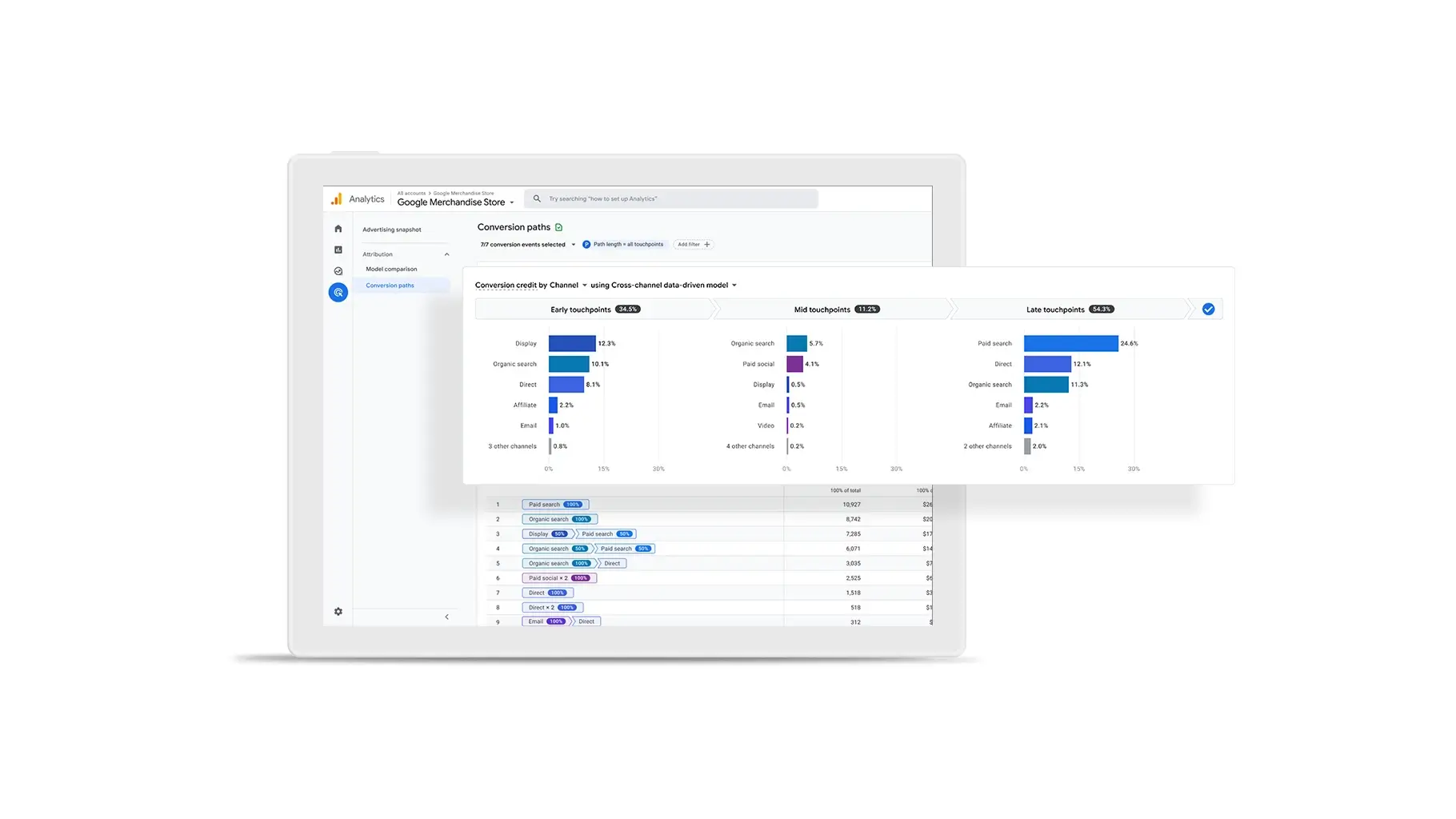
Just getting into SEO and feeling swamped by all the data tools? No worries—Google Analytics (GA4) has your back. Let’s skip the jargon and get straight to the good stuff, so you can start tracking like a pro in no time!
Why Google Analytics Matters for SEO + Coding
GA4 isn’t just for marketers. It’s a goldmine for:
- SEO folks who want to measure traffic, keywords, and page performance.
- Coders who love customizing data or integrating analytics into websites.
Best part? You don’t need to be an expert to get started.
Key GA4 Features You Shouldn’t Ignore
1. Real-Time Reports
See who’s on your site right now. Perfect for:
- Checking if your new blog post is getting traction.
- Testing if tracking codes fire correctly after a site update (coder bonus!).
2. Audience Insights
Learn who your visitors are:
- Demographics (age, location, device).
- Interests (are they into “tech tutorials” or “DIY SEO”?).
- Pro Tip: Use this to tweak your SEO content strategy.
3. Acquisition Channels
Discover where your traffic comes from:
- Organic search, social media, paid ads, or direct visits.
- Spot which channels need SEO love (e.g., low organic traffic? Time to optimize!).
4. Behavior Flow
Visualize how users navigate your site:
- Which pages do they visit first?
- Where do they drop off?
- Coder Angle: Use this to improve site structure or internal linking.
5. Conversions
Track goals like form submissions or product purchases:
- Set up “events” (e.g., button clicks, video views).
- Measure how SEO efforts directly impact ROI.
6. Custom Reports & Dashboards
For coders who love control:
- Build tailored reports using dimensions/metrics.
- Export data via API for deeper analysis (Python, anyone?).
7. Integration with Google Tools
GA4 plays nice with:
How SEOs and Coders Can Team Up with GA4
- SEOs: Use GA4 to prove your work’s impact (e.g., “Our blog edits boosted organic traffic by 40%!”).
- Coders: Implement tracking codes, debug data layers, or automate reports.
Ready to Start?
- Set up GA4 on your site (just add the tracking code!).
- Explore the Reports Hub for pre-built templates.
- Filter data by date, device, or country—no coding required (but you can if you want).
GA4 isn’t just a tool—it’s your SEO sidekick. The more you poke around, the more you’ll uncover hidden opportunities. Now go crush those rankings!


 Creative presentation ideas everyone should know
 Valuable Content: A Practical Checklist
 Search Experience Optimization (SXO): What It Is and Why It Matters
 E-E-A-T: What It Is & Why Does It Matter for SEO
 Content Refresh: What It Is and How to Do It Right